InstaWeb Free Version

InstaWeb for OS X

Get the Free Version All OS X Apps
InstaWeb Free Version

Create an entire website using just your photos.
— Requires Mac OS 10.6 or higher.

It only takes a few minutes to build a website when you let InstaWeb do the work. Just choose your favorite photos, drag them to your site, pick a theme, and publish. Now your pro-looking site is on the web — instantly.

Available in the Mac App Store
Drag Photos

Grab Your Photos

The hardest part about using InstaWeb is deciding which photos you want to include — and even that’s easy! InstaWeb checks your photo libraries and allows you to browse them in an interface that works a lot like iPhoto. Just browse your available photos and drag the ones you want to your Site.

The Libraries pane is filled with everything in your iPhoto, Photo Booth, and Pictures libraries, so your favorite photos are only a click away. Want to add photos from a different location? You can do that with the Import Images option.

Custom Themes

Personalize the Design

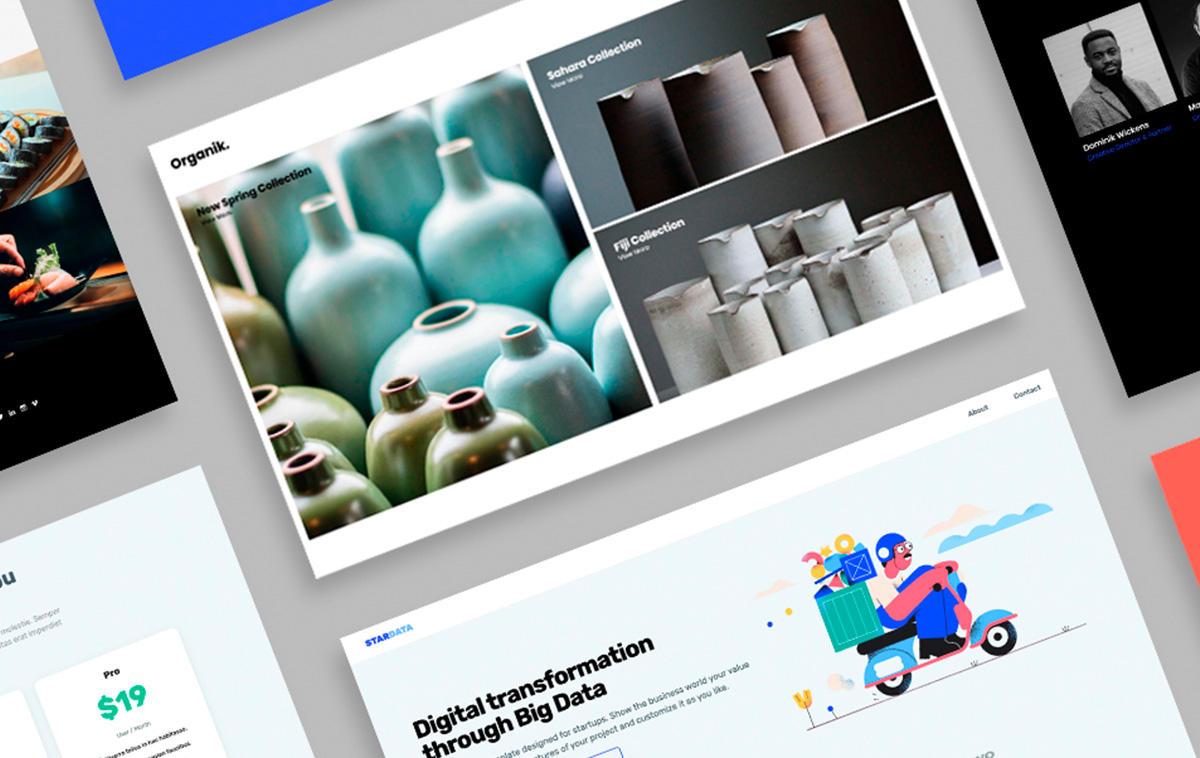
Your Instant Website uses a professional theme for a beautiful site design with no effort. Pick from more than a dozen options to find the one that works best for your site. You can even personalize that theme by choosing your own logo, background image, and fonts.

You can do a lot with a background image. Tile it, so you’ve got a nice repeating pattern, or simply use a giant image that really helps drive home the mood of your site. If you change your mind, you can switch out your design at any time.

Edit Pages

Make and Edit Pages

You can have up to 4 pages in your Instant Website, including a home page, photo gallery, and two more. Simply add your text, include an image, and pick a layout. InstaWeb positions everything for you so your pages look sharp.

You can even include an HTML widget in your pages if you like. Your Contact page could host a form made with Web Form Builder; now you’ve built an Instant Website that gives your visitors a voice, too. All it takes is a quick paste into the Widget box.

Publish to S-Drive

Put It On the Web

When it’s all set up (and that really only took you a minute or so, didn’t it?), your Instant Website is ready for the web. It’ll live on our servers, powered by the wonder of S-Drive.

Configuring your S-Drive account is no harder than signing in to our website. Then you just need to choose one of your S-Drive addresses as the publishing destination. Now you can enjoy the one-click publishing that CoffeeCup apps are famous for. Just click the Publish button and your site is on the web — instantly.

See It in Action

InstaWeb Theme for Team CoffeeCup
Simply put, it’s the ultimate web photo app. Our customers agree:

Finally, something to replace iWeb and MobileMe gallery.
— Petr Chyba

Available in the Mac App Store