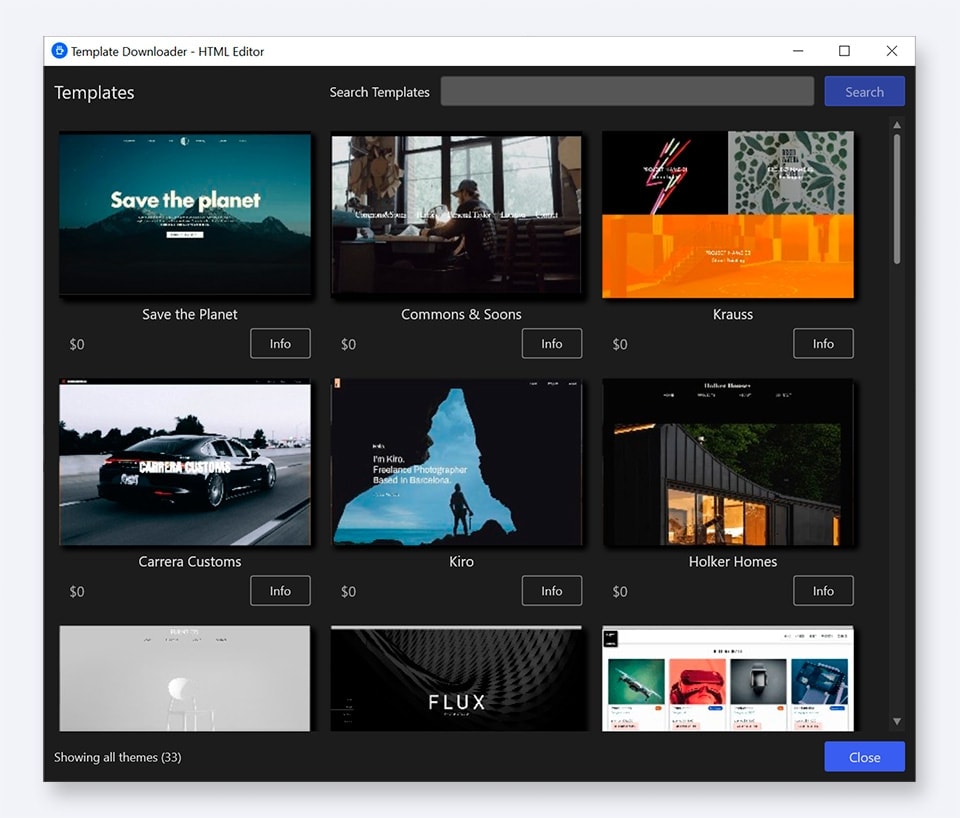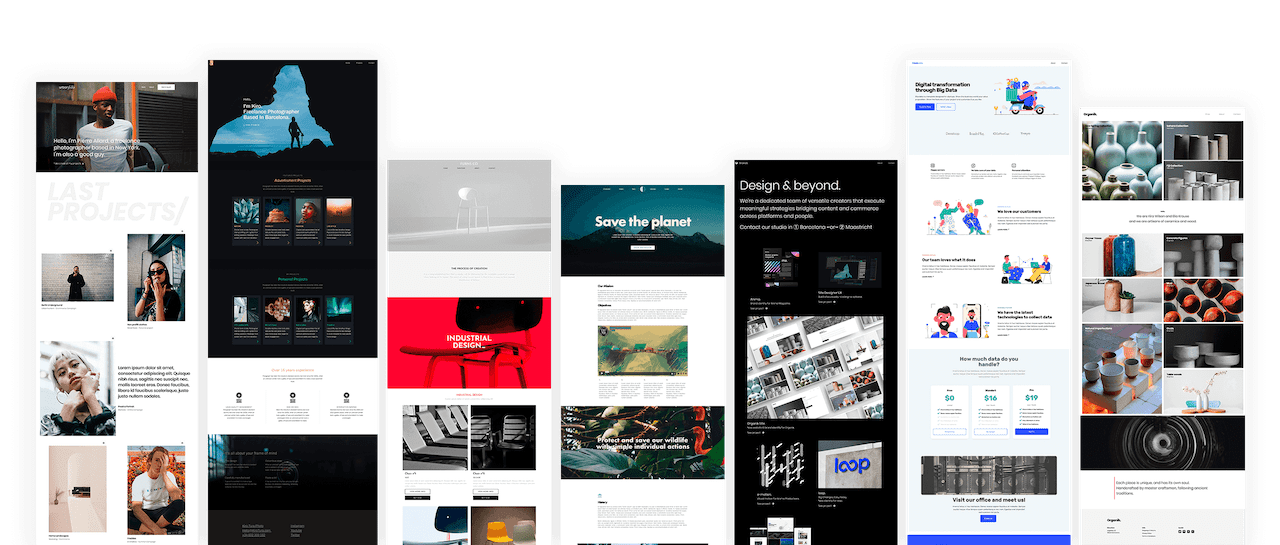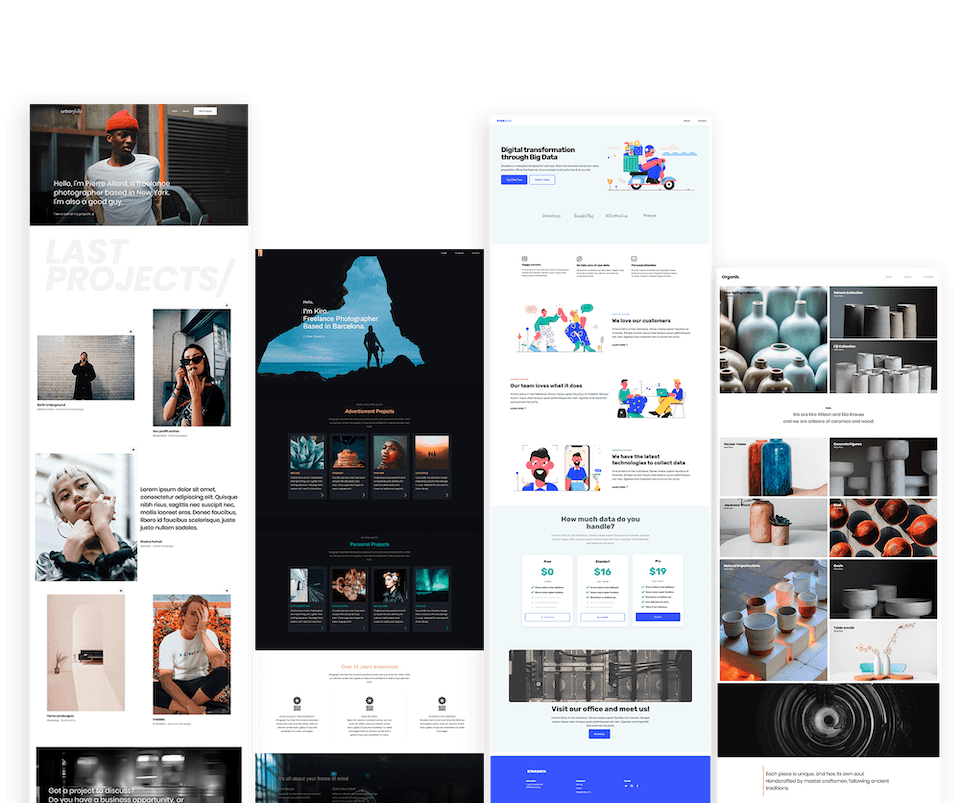
You want to create great websites. Totally stellar, kick-butt websites that leave people saying, “Wow, you really made that?” Consider the HTML Editor your new best friend. HTML veterans, you’ll create standards-compliant sites using powerful tools like code completion and built-in validation. Rookies, get ready to learn the ropes with resources like the comprehensive tag reference and vibrant website themes.
Released: Jan 25, 2012 Runs On: Windows 7, Vista, XP
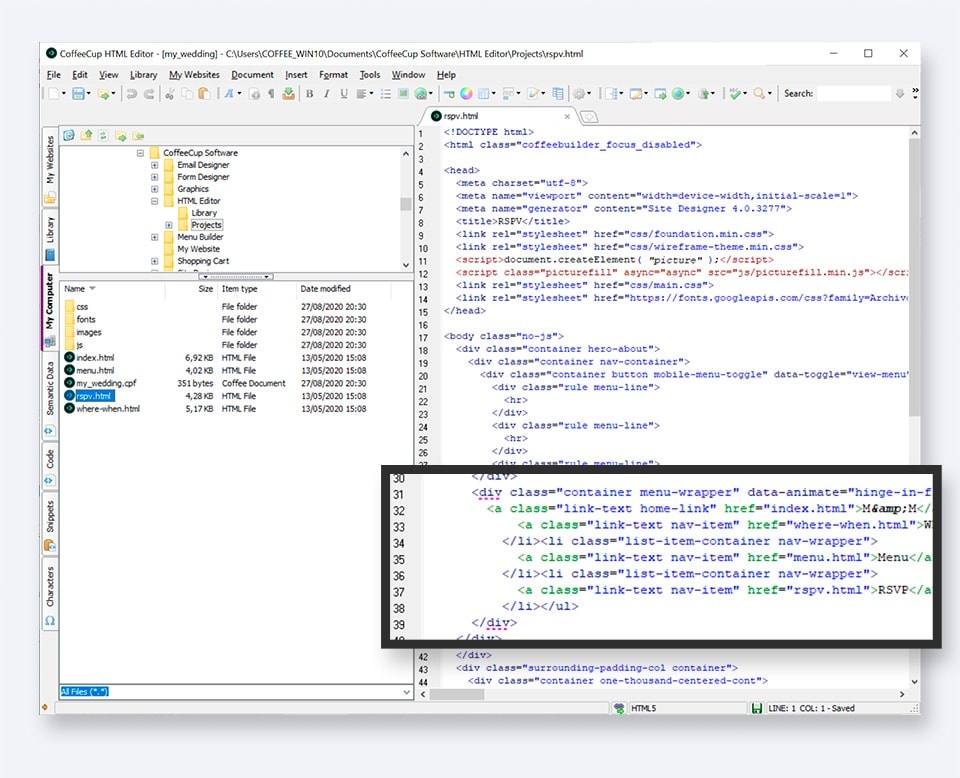
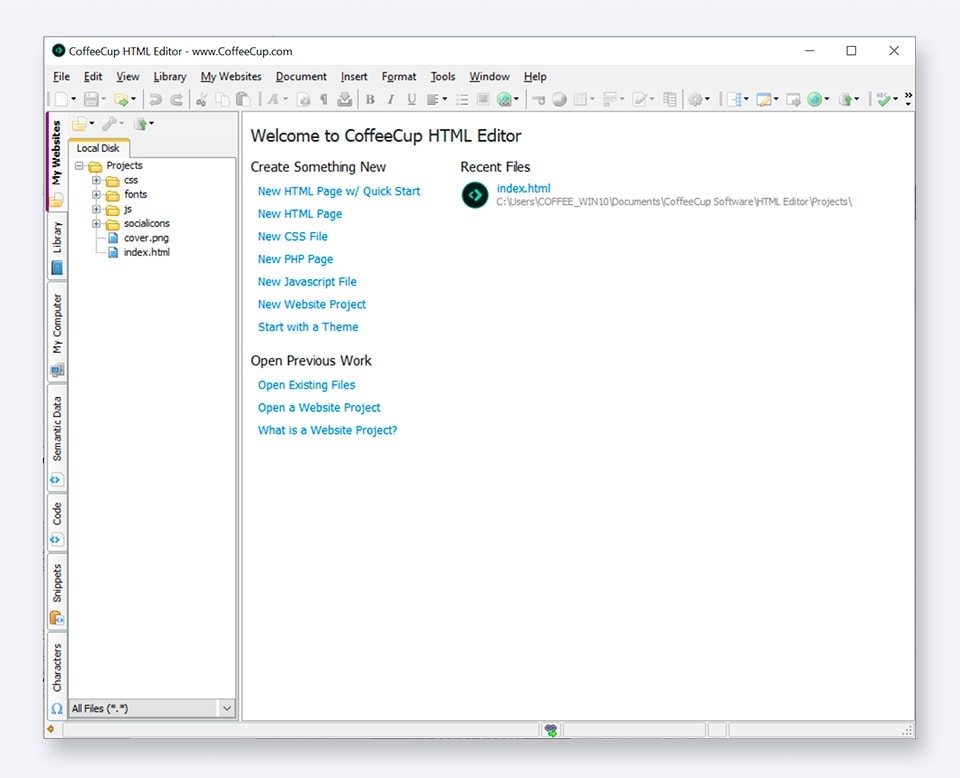
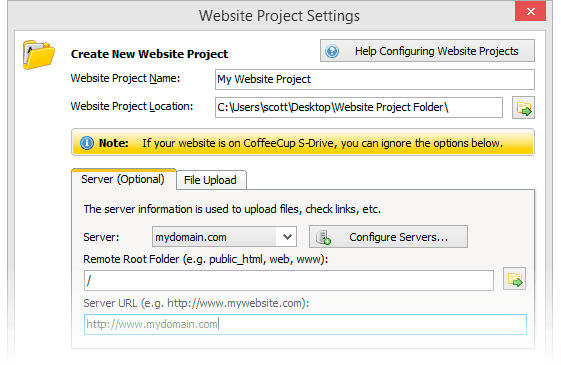
When it comes to websites, organization is key. A logical structure keeps things running smoothly and all but eliminates pesky issues like broken links and those annoying red X’s that show up where your images should be. With that in mind, we designed Website Projects, a comprehensive yet easy-to-use set of tools that gives you complete control over how your website is organized.
Create a file structure that fits your needs. Use intuitive tools like toolbars, right-click menus, and keyboard shortcuts to add elements to your pages. Create a website that looks great and performs even better.
Using valid web standards, your pages display consistently in different browsers, work better with CSS, and are more accessible for disabled users and search engines. There’s also the satisfaction that comes from knowing you’re doing things right. That’s why the HTML Editor comes with three different tools to correct human error and ensure that you’re using valid code.
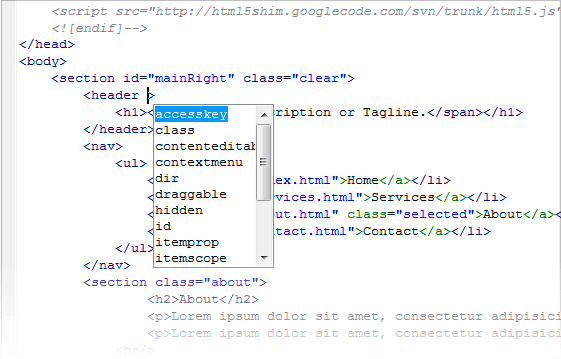
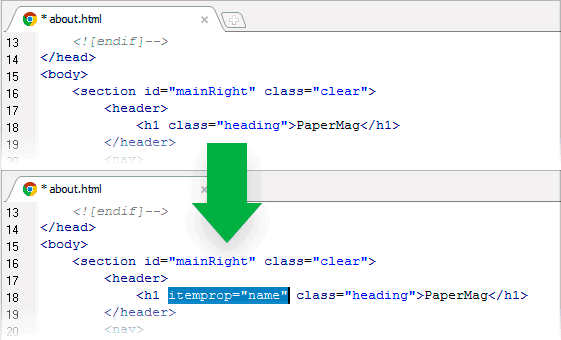
A comprehensive Tag Reference section puts the correct tags right at your fingertips. Code Completion automatically suggests tags as you type them, preventing unclosed tags — and smartly suggests selectors from your referenced CSS files. Last but not least, a built-in validation tool allows you to check code of all types using W3C standards for perfectly valid pages every time.
Even the most hardcore programmer can’t look at a page of code and know exactly how it’s going to look in a browser. That’s why the HTML Editor gives you strong, instant visual support while you’re editing.
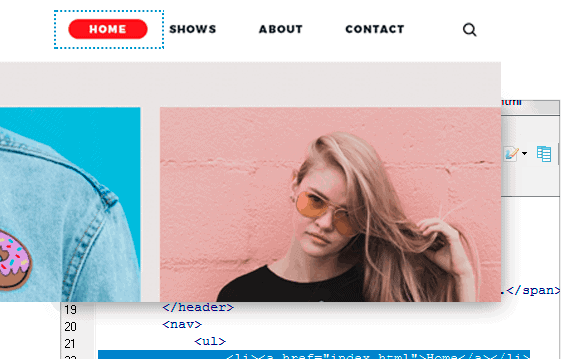
Utilize the split-screen preview to see your webpage, in a built-in browser, right below your code. Or use the external preview to display your page in another window or a second monitor. Want to experiment with some code? The preview will show you exactly what you’re working on as you create it. You can even see your page in a browser — in fact, you can open up to 10 different browsers from inside the HTML Editor.
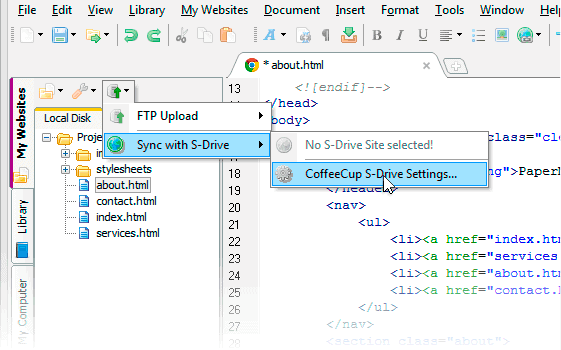
For some people, uploading a finished website or a work-in-progress is a pain. But syncing to S-Drive or uploading to any other hosting service is a cinch with the HTML Editor, leaving you to the fun stuff.
Setting up S-Drive is just as easy as signing in to our website, and it’s blazing fast, too. Each time you’re ready to put your project on the web, just choose the address you want to sync to, and the HTML Editor takes care of the rest. Got your own server? Configure FTP uploading in seconds and enjoy the same one-click publishing that S-Drive users know and love. Publishing from your workspace means you can stay focused on the project at hand.
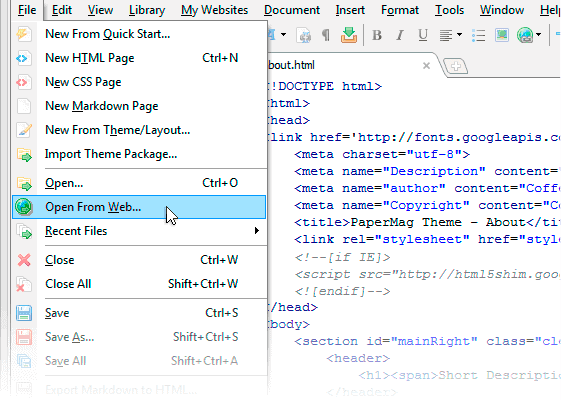
You want the public to see a picture-perfect website on their first visit. That’s one reason we’ve included so many preview options. But what if you want to see it on the actual web, in a real browser — and share it with others? No worries; Quick Live Preview will save your butt.
Rather than publish each time you want to see your site on the web, you can generate a Quick Live Preview using the power of S-Drive. You’ll get a temporary URL that’s valid for 3 days so you can share your project across the web for group testing, or pop it into a whole spectrum of browsers to see rendering differences. With private live testing, you can see what the real thing will look like when you’re ready to launch.