Free HTML Editor 9.4

The CoffeeCup Free HTML Editor is a full-featured web design system. With built-in FTP uploading, wizards for tables, frames, fonts, and more, support for HTML5 and CSS3, and 100% valid code output, it's a great tool for anyone who wants to design their own website.

The Free HTML Editor is a trimmed-down version of the CoffeeCup HTML Editor, and does not contain the Visual Editor, CSS Menu Designer, Image Mapper, and Website Color Schemer. If you're interested in getting your hands on these great features, download the free, fully functional trial version of the HTML Editor.

Released: Jul 9, 2010
Runs On: Windows 7, Vista, XP

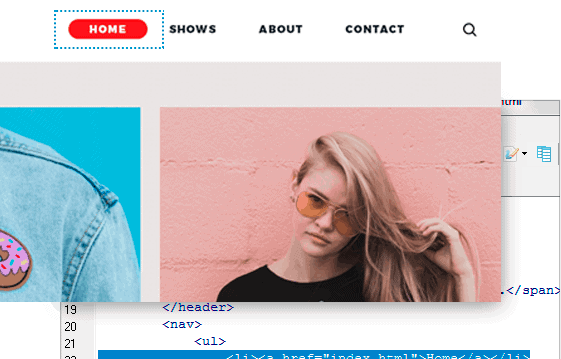
2010 SE Main Interface

More Cool Features of Free HTML Editor

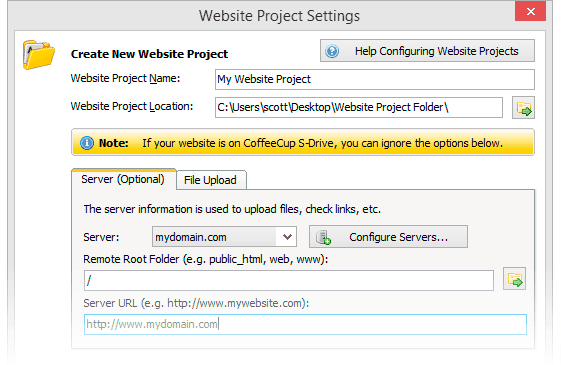
  • Website Projects help keep your Website organized, all but eliminating broken links and incorrectly referenced images.
  • Easy-to-use wizards for frames, tables, forms, fonts, lists, style sheets, and more.
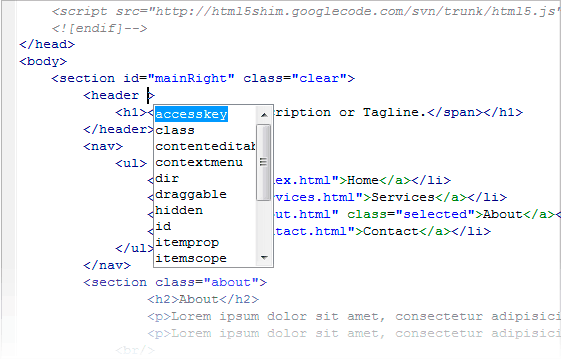
  • Highlighting your HTML tags makes it easier to keep track of your code and, in turn, to build a Webpage. Customize your tag highlighting options to fit your own personal style.
  • Add custom spell-check dictionaries for error-free code in any language.
  • The Quick Start window lets you specify global settings for your page, which helps you get set up quickly.
  • Even HTML experts make mistakes, but with unlimited Undo, those mistakes disappear with the click of a button.
  • Upload your Webpages with a click of the mouse! Our built-in FTP client keeps Website updates simple. And with Website Projects, you can work with your files directly on the server.
  • Avoid grammatical faux pas with the extensive vocabulary in the built-in thesaurus.
  • The Free HTML Editor handles multiple-page editing effortlessly. Just use the tabs at the bottom of the workspace to switch between open HTML files.
  • Image and link insertion tools make it easy to add these elements to your page.
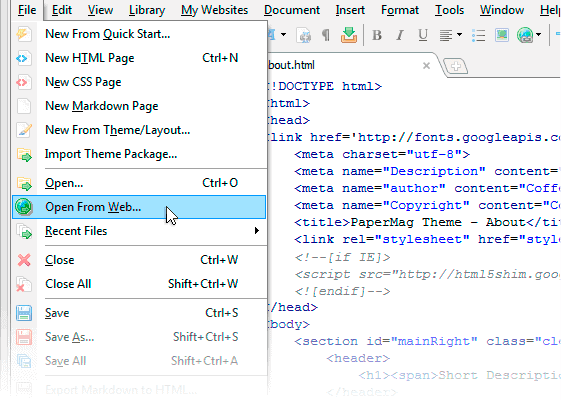
  • The Open From Web function lets you import Webpages right off the Internet. With the new update, it can also download associated files, including JavaScripts, CSS, images, and more.
  • You may want as much room as possible to edit your pages, so we gave you the option to collapse the left panel to help conserve space.
  • Background images give your Website a finished look, so we've packed the Free HTML Editor full of 'em!
  • The Free HTML Editor comes with thousands of professional-quality Web graphics. These free images help make your Webpages look their best!
  • Split-Screen Preview lets you view your Webpage in a browser right from inside the Code Editor.