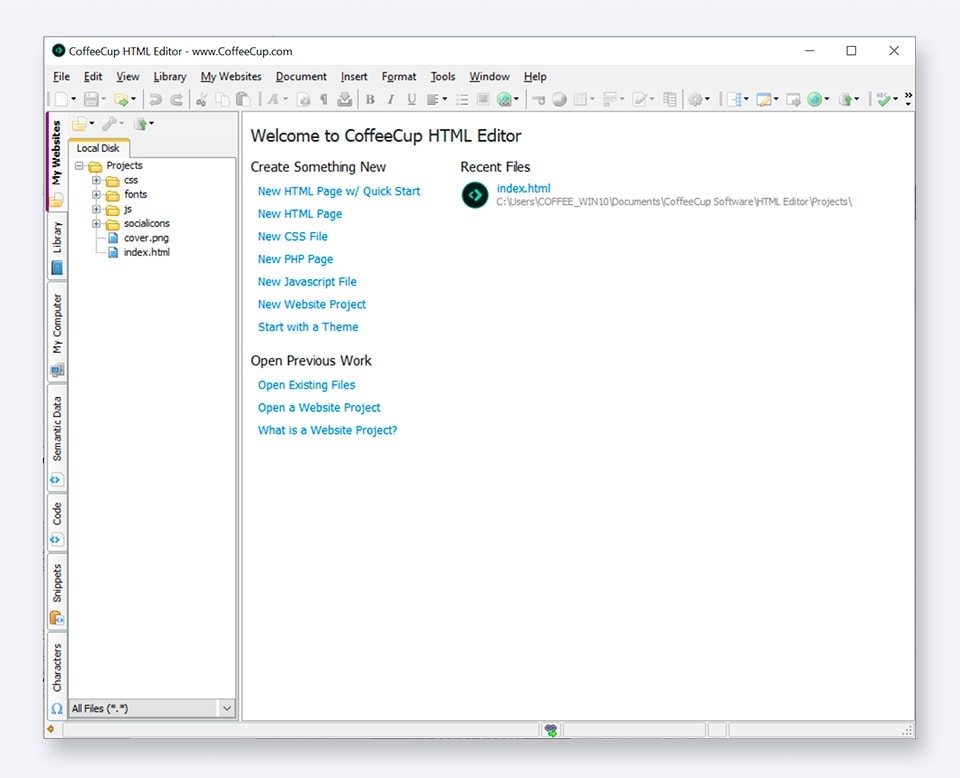
The HTML Editor

CoffeeCup HTML Editor 2008 is 2 Editors in 1!

Or should we call it three editors in one now that we have added CSS code completion and property lists? You can decide that for yourself. We just know that designing and coding HTML and CSS is now faster and easier than ever!

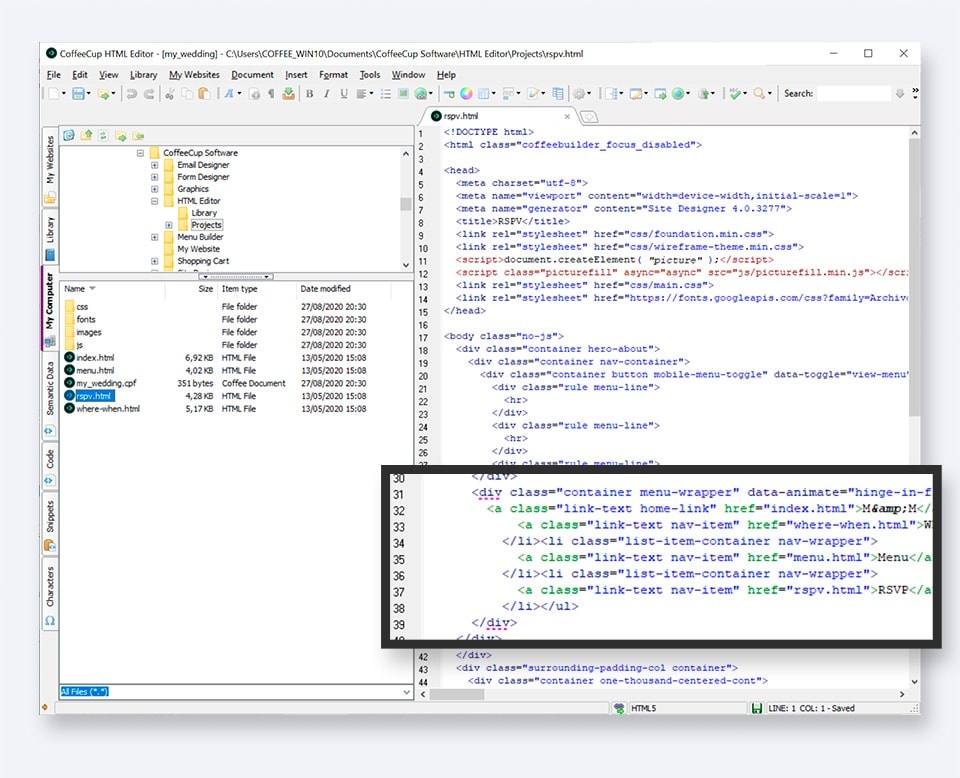
The Code Editor — The most downloaded HTML editor on the Web is now even easier to use with almost 12 years of refined features. This helps new people who are learning HTML or CSS become Webmasters faster. More advanced users will find that the Code Editor is exactly what they need the most. HTML and CSS code completion makes coding easier and faster than ever. It’s a mean, clean, coding machine with a speed nobody can beat.

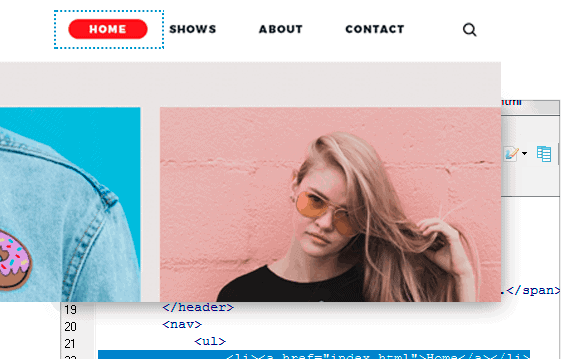
The Visual Editor — What You See Is What You Get (WYSIWYG) is a remarkable way to create pages without knowing HTML or CSS. Just drag and drop images and text, and you’re ready to upload! You also have the ability to create a page in either editor and go back and forth between them to make changes. It makes unbelievable Websites quickly and easily.

About the CoffeeCup HTML Editor

HTML & CSS Code Completion

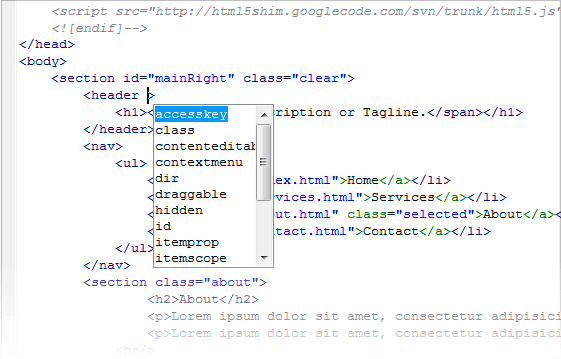
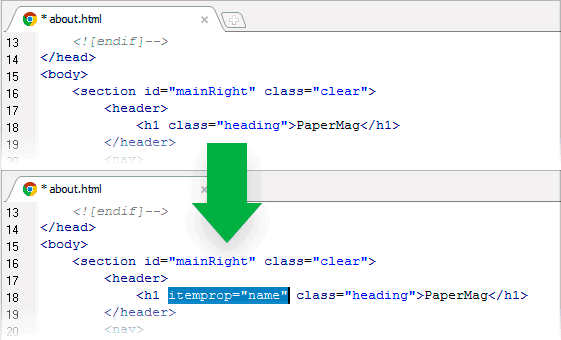
You can now save time and keystrokes with the HTML Editor's intuitive code completion. Just start typing any HTML tag or CSS property, and the Editor not only gives you a list of matches, but also properly closes the tag for you. This is guaranteed to make coding by hand easier than ever!

Project Management

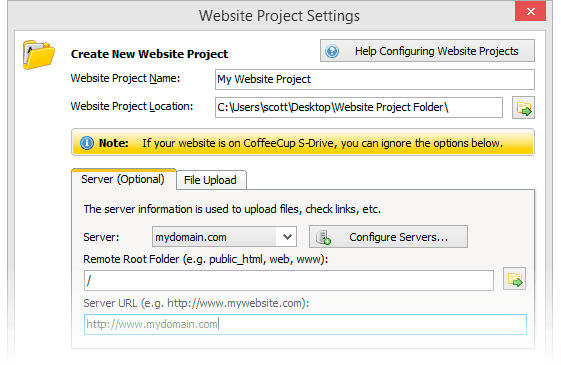
Group your files into Projects for easier management. You can check document dependencies, spider your site, upload your changes with just one click, and more.

  • Site Spider - Check your Website for broken links, get detailed information about every page, even find links to pages you didn’t know about with the powerful Site Spider tool.
  • Upload an Entire Project - Upload all the files in your project at once with just one click. The HTML Editor will automatically upload everything for you.
  • Document Dependency Check - With projects, you can have the HTML Editor automatically check your pages for dependencies like images, external JavaScript or CSS files, and anything else you need to make your pages show up correctly online.
  • Simplified File Management - Easily add files and folders to your projects from the Files tab or by clicking Add Files in the Projects tab.
Quick Tag Help

Now you can get help with HTML tags right in the status bar. When working on a tag anywhere in your document, the HTML Editor will automatically show you valid usage and syntax information.

Need to refresh your memory? Just click the updated Tag list on the left, and the HTML Editor tells you all you need to know. In short, whenever you are a little lost, the HTML Editor will show you the right direction.

Quick Start From Layout

Choose from 40 bulletproof CSS/XHTML layouts. We’ve never seen a quicker way to get the framework of your new Website in place. And believe us, we have seen a lot...

These 100% valid CSS and XHTML layouts are a sure way to get your Website started with a solid foundation. They are easy to modify and expand on, too. In fact, if you want to change your layout, you can just swap the style sheet from another layout and voila — done!

All New Graphics Collections

Just look at them, and you will be amazed. There are icons for every use: shopping carts, toolbar buttons, blog icons, and everything else we thought was cool.

Optimized Resource Tabs - Now all your JavaScripts, DHTML scripts, and code snippets are available in one tab for fast access. There are also new HTML tag and CSS property lists just a click away!
Cleaner, Valid Markup - We’ve spent a lot of time going through all the helpers, dialogs, and wizards to make them all insert nothing but clean, valid HTML code into your pages. Spend more time coding and less time cleaning up!

More About the HTML Editor

The CoffeeCup HTML Editor is two editors in one. If you already know HTML or CSS, or if want to learn either one, you can use the powerful and easy Code Editor. Our HTML Editor has set the standard since 1996. If you want to make pages quickly or without knowing HTML, just use the drag-and-drop WYSIWYG Visual Editor.

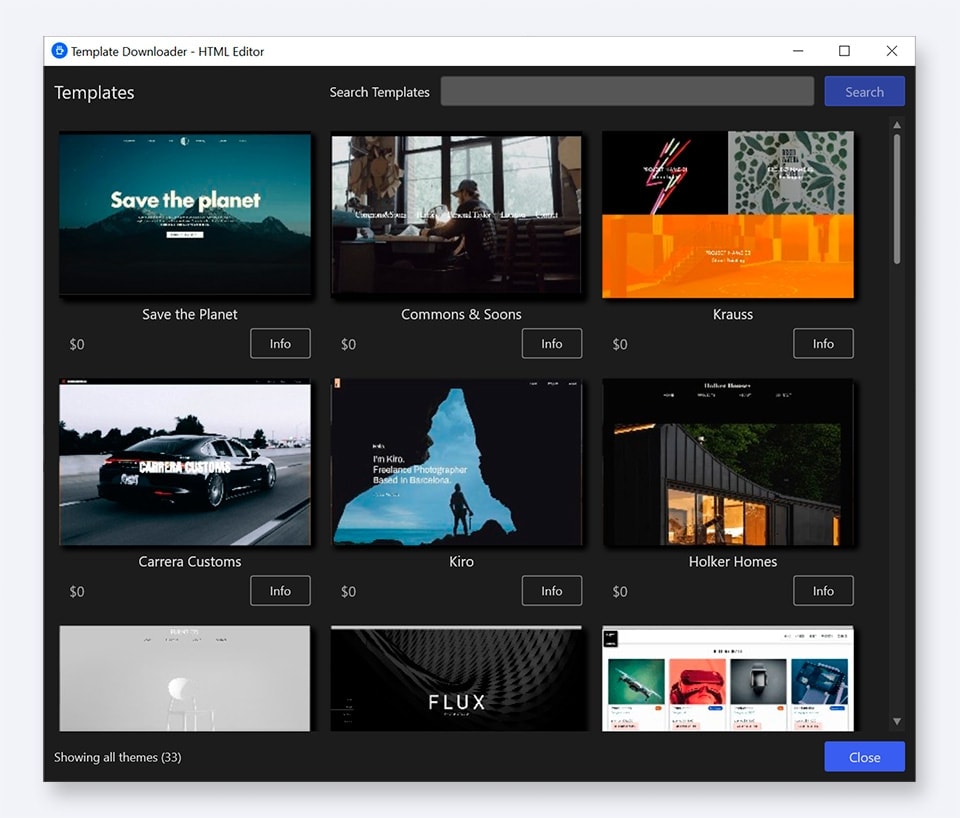
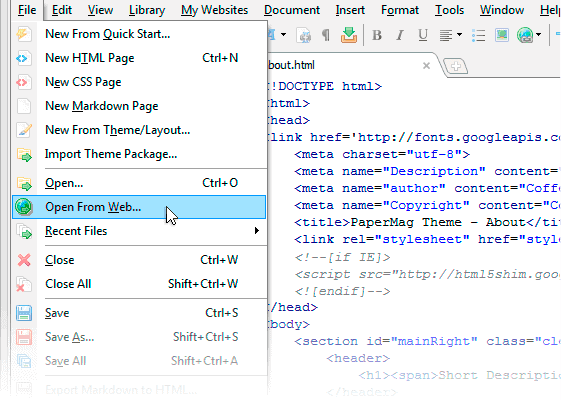
You can also go back and forth between the Code and Visual Editors to create remarkable Websites in a snap. CoffeeCup comes with DHTML and JavaScripts, a DHTML menu wizard, and 40 bulletproof CSS/XHTML layouts included. Plus, you can expand on your Web design library with a selection of cool themes and fresh graphics too.

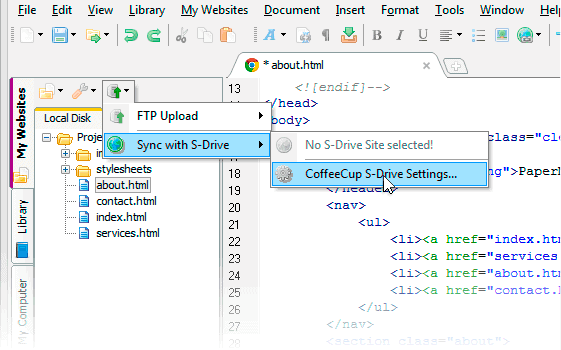
It also has built-in FTP uploading and easy-to-use table, frame, font, and form designers. Preview your work in any browser or use the exclusive split-screen preview. Other features include a project manager, site spider, color scrollbar wizard, style sheet editor, list wizard, image mapper, Website color schemer, and, of course, free upgrades and support for life.

Some Features of The HTML Editor

Download Our Software:

... and don't forget about our Free Software