You’re looking to add some cool Flash effects to your website — an intro page, banner, or maybe an animation. You need a program that's efficient, strikes a balance between power and ease of use, and allows you to have fun with the creative process. In other words, you need Firestarter.
No need to have plain, still images on your page when you can have elements that move, play music, and more. Whether it's a slideshow, animation, or even an interactive menu, Flash is the secret to extra-cool content on your website — and Firestarter is just the tool you need to make it happen.
Released: Feb 8, 2013
Runs On: Windows 8, Windows 7, Vista, XP
A well-placed Flash animation can mean the difference between a blasé webpage and a work of art. Firestarter gives you the tools you need to make your website a unique experience for your visitors — like, for instance, 65 built-in, ready-to-use special effects, a collection of cool MP3 sounds and high-quality images, and much more.
Creating awesome transitions is as simple as clicking the effect that floats your boat. Slide content in or out of the frame, or choose from a wide range of effects that can be applied simultaneously.
Firestarter gives you all the resources you need to create an exquisite Flash animation, all packaged in an easy-to-use, WYSIWYG workspace. It gives you just what you need, with no complicated tools or features you'll never use. No more struggling with overly complex software; with Firestarter, you'll be up and running in no time.
Drag your images and objects onto the timeline to create events that will display your content. Then add effects to those events with just a few clicks.
When you're done creating a Flash animation, putting it online is as simple as clicking a button. No need to open up a separate program — just use the built-in FTP client. This efficient, reliable tool puts your animation online fast.
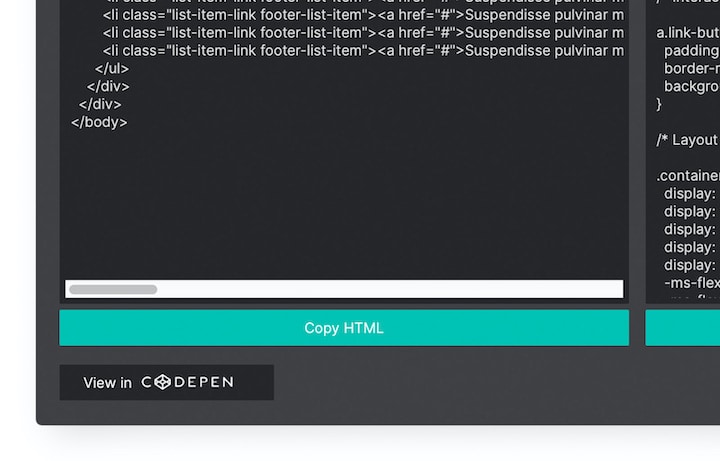
You'll be given a little bit of HTML code that you can simply copy and paste anywhere you want your animation to appear. Put it on your own website, on a blog — anywhere code can be inserted.
Easily Add Animations to Your Pages: Firestarter's WYSIWYG workspace means you'll never have to write a single line of code. Adding an animation to a webpage is simple: Just paste the automatically generated HTML code into your page, and you're all done!
Your Complete Flash Toolbox: Here are just a few of the many things you can do with Firestarter: Add text, images, sounds, links, and shapes, and control their motion, opacity, and layer order. Loop audio clips, resize images, and apply fade effects to text. Whew!
Automatic Conversion: Import images from any format and convert .wav files to MP3s. Firestarter automatically converts everything to a spiffy Flash (SWF) file.
Built-In Preview: It's always important to double-check your work before you put it online for the world to see. Use the built-in preview function to check out how your animation looks in a real browser.